Product Description - Additional Options
We've discovered a few limitations with the Product Description element and would like GemPages to look into adding further support for this.
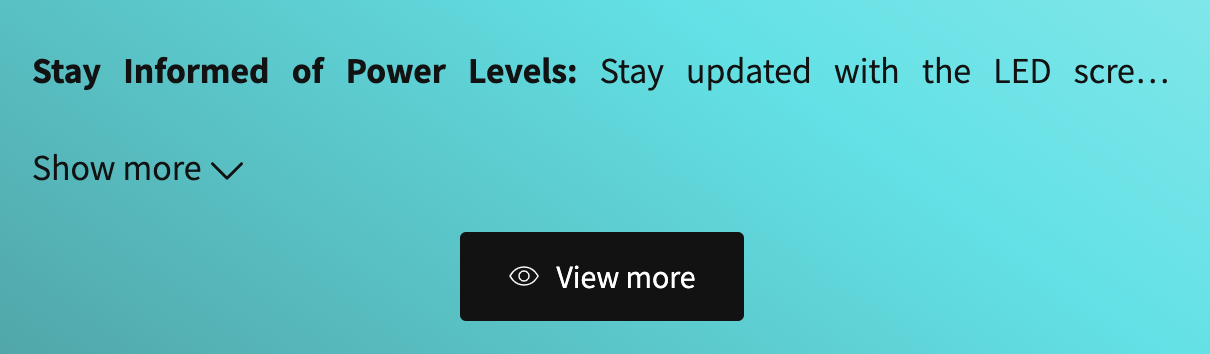
Some of our products contain a lot of information within the Product Description area and whilst the ‘View More’ option is available, it pushes page content down when it is clicked. This isn't ideal. I recommend an additional option - where we can have the ‘View More’ display the full product description as a popup (with option for half and full page popup and ability to scroll).
Additionally, I would like to be able to have the ‘View More’ to be a button with an icon.
We did attempt to solve the issue ourselves, but the current ‘Pop-up’ element option does not allow us to move the description section within it.
An example is shown below:
Log in to comment and vote
Comments5
WONDERCRAFT LTD
Jul 18, 2024
Thank you for that. I have now managed to add a popup with the product description inside it, however it does not allow me to choose where the popup button is placed. When page is published, the frontend does not show any button. Please advise.
James Gems
Jul 19, 2024
Glad to hear that you managed the first inquiry, @WONDERCRAFT LTD . Regarding the next issue, it may come from a small conflict with theme style and it may need some helps from our support team. Please send an email to support@gempages.help with a video screenshot and your store domain. Our support team will be happy to assist.
Best,
The GemPages Team
James Gems
Jul 12, 2024
Hi @WONDERCRAFT LTD ,
Sorry for the late response and Thanks for your suggestion. To solve your inquiry, you could try this solution here:
Drag & drop the Product element into Popup
Remove all product child element except product description
Now you can use button to open a popup with Product description.
Please try and let us know how it goes.
Best,
The GemPages Team