
Changelog

Follow new updates and improvements to GemPages.

GemPages MCP: Gen Pre-Sale Landing Pages
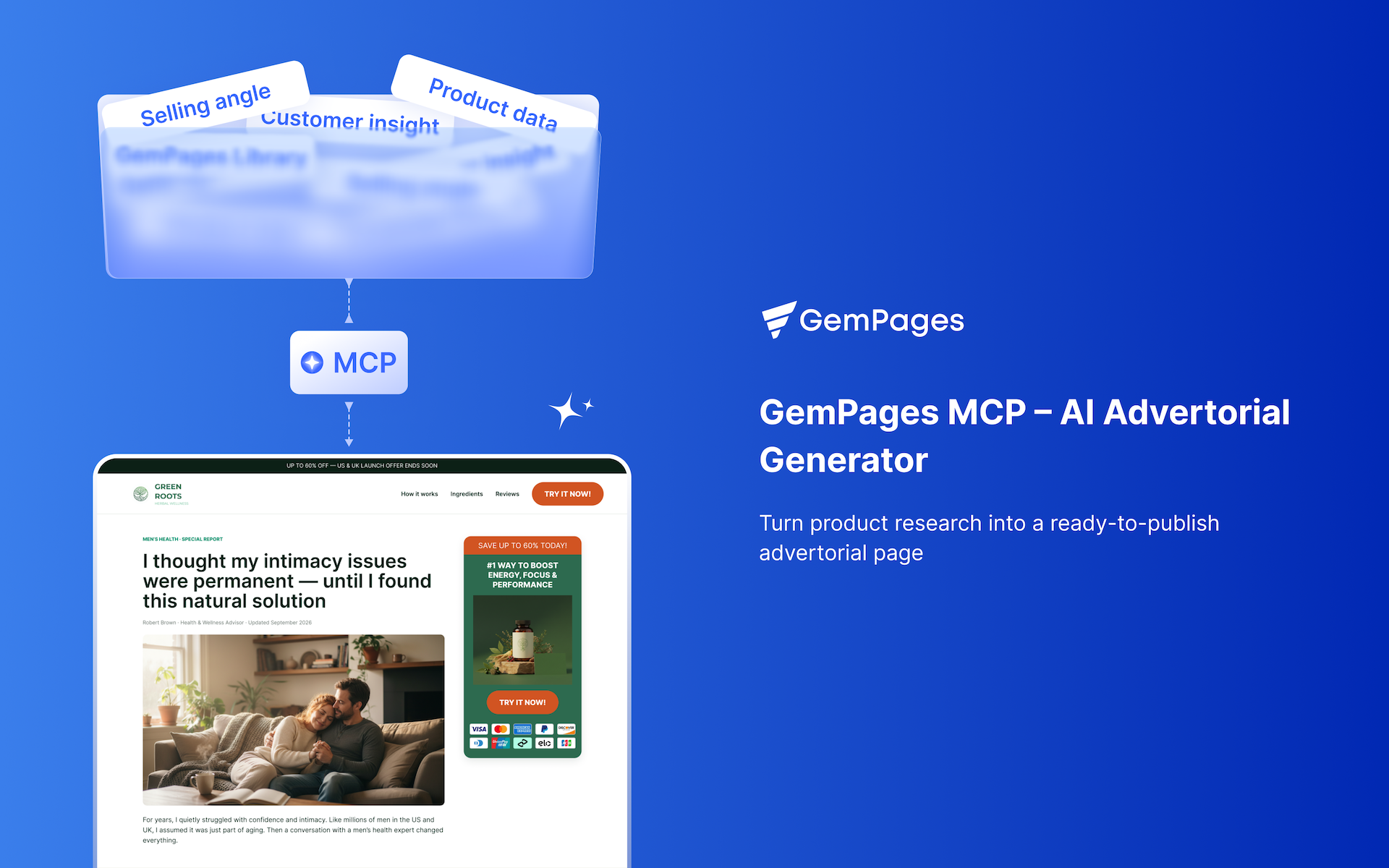
Transform content you already have into a review-ready pre-sale page, then finish it as convert-ready HTML. Bring the words — the workflow builds the page on proven conversion-oriented design, fills it with your content, styles it to your brand, and hands you the file.

Three pre-sale types are supported:

  • Advertorial — story/editorial presell about one product (problem → turning point → outcome).

  • Listicle — an "N reasons / best-of" numbered article about one product.

  • Comparison — product vs. alternatives, ranked or weighed side by side.


What it does

  • Generates from conversion design knowledge. The layout is distilled from real high-converting pre-sale pages — advertorials, listicles, and comparisons — studied and generalized into neutral wireframes, then matched to your content's structure and flow.

  • Fills it with your words. Real facts, prices, and quotes map into the sections; gaps are written to match your tone. Missing hard facts (a rating, a guarantee) become clear [insert …] placeholders — never invented.

  • Applies your brand. Colors and fonts, set once per store or read from your website.

  • Re-skins on request. Describe a look and it restyles while keeping the layout and structure intact.

  • Delivers convert-ready HTML — review it, share a link, and turn it into an editable GemPages page.


How to use it

1. Build the page — give it your content.

"Use GemPages MCP. Here's my advertorial content, gen me a landing page I can review." (paste content)

You'll pick a store and set brand colors/fonts (once)

2. Style it — direct the look; keep it simple or detailed.

"Apply a premium-beauty editorial style: neutral UI, oversized photography, editorial typography, generous whitespace, quiet commerce. Font: Helvetica. Accent: #BB7963. H1 48px desktop / 32px mobile, H2 32/24, body 16px. Subtle borders, minimal corner radius, soft fade-in on scroll. Don't change the layout or structure — restyle only."

Include what you care about: font, accent hex, design language (a few keywords ("neutral UI + editorial + whitespace") or a reference URL). Correct freely: "headline too big — cap H1 at 48px," "tighten section spacing," "use my color from [site]."

3. Convert — when the look is right.

"Convert it to an editable GemPages page."

It's rebuilt into native GemPages blocks as a draft for you to review and publish.


Good to know

  • Convert-ready = self-contained HTML; converting rebuilds layout and content into native blocks.

  • Styling on convert: brand colors carry; heavy re-skin CSS may need a touch-up in GemPages.

  • Placeholders: fill [insert …] markers with your real values and they drop in.

  • Images: photos arrive as sized placeholders — swap in real product shots during the build.


Quick start (all-in-one)

"Here's my content (paste). Build a review page for store <name>. My brand: accent #BB7963, Helvetica type, neutral editorial style with generous whitespace — apply it, keep the layout. Then give me a review link; I'll say when to convert."
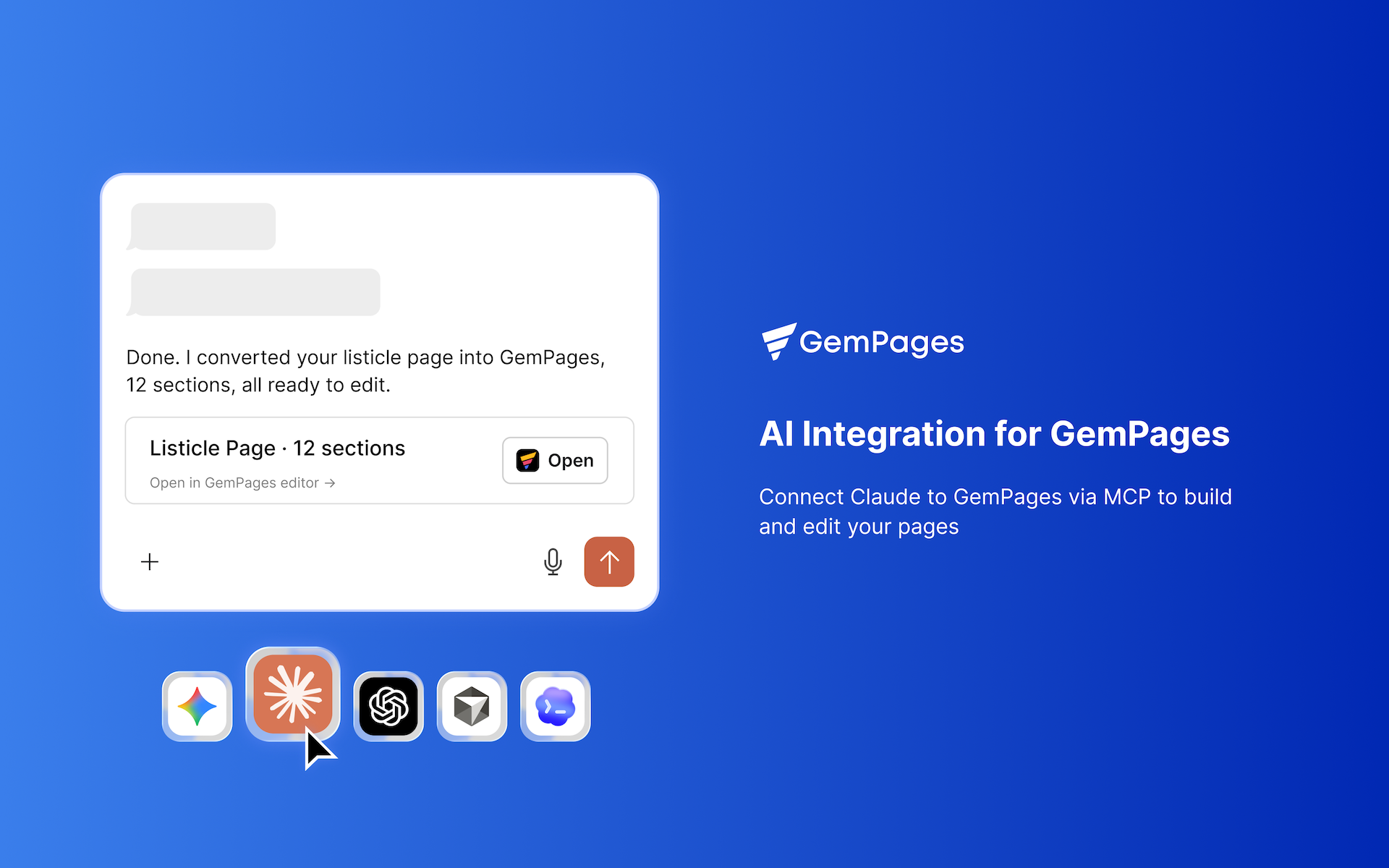
Claude and ChatGPT now can work directly with GemPages

The beta version is now available. Check guide how to connect here: https://gempages.net/pages/mcp-gempages

Just tell your AI what you want to achieve. No extra cost. Seamlessly integrated into your workflow.

Connect GemPages to an MCP-compatible AI assistant like Claude Cowork or ChatGPT Codex and let your AI help you research, convert from HTML, design, and edit your pages, all through natural language.

What can you do with GemPages MCP?

1. Turn AI-generated HTML into an editable GemPages page

Give the HTML to your AI and ask it to turn the page into GemPages elements. Your page will be created directly in GemPages, ready for you to open and edit.

For example:

Upload your HTML + write prompt “Use GemCommerce MCP to convert this HMTL to Gempages Landing Page”

Notes: Works especially well to convert Advertorial, Listicle, and Comparison pages. Just add in prompt the page type you want: Landing page or Headless page.

You can also continue editing the page through your AI assistant, for example:

“Change the hero section to a two-column layout and add a CTA button.”

GemPages MCP can handle the changes for you.

Recommendation: Use the Claude Opus model for the best results. For the beta version, the conversion process takes 5–10 minutes per section, so a page with 12 sections will take approximately 1–2 hours.

2. Research your market and create better content

Your AI can use research skills from GemPages to gather customer insights from marketplaces, social media, and other sources, then turn those insights into page content.

For example, you can ask your AI to:

Give it the link of your product page or product name + write prompt

“Use GemCommerce MCP to research different content approach for this product which I’m selling in US, collect from competitor websites, marketplace, social platform”

Based on the data it collect, you can ask the AI to continue answer these questions:

  • Research customer reviews and identify common pain points.

  • Analyze what different customer segments care about.

  • Create different messaging for different target audiences.

  • Identify blue-ocean positioning that competitors haven’t explored.

3. Design in GemPages with your AI through MCP

GemPages MCP goes beyond generating a page from HTML. Your AI can also work with your existing GemPages pages.

Just type in chat with Claude (in mode Cowork) or ChatGPT (in mode Codex) the editor link of the page where issue happen, then describe:

a. Recreate a design from a reference image

Give your AI image reference then ask it to describe the visual structure, identify the layer tree and element styles, then map them to GemPages elements, and build the section into a specific page in GemPages.

b. Create custom designs without writing the code yourself

Give it the page name then type this prompt:

“Make this carousel have two navigation buttons outside the carousel.”

Your AI can identify the relevant section or element and generate the custom code needed to achieve the design.

c. Troubleshoot and fix page issues

You can take screenshot also describe a problem directly to your AI:

“I want an icon stay close to the text.”

Your AI can identify the relevant element and update its GemPages settings for you.

Available for all plans.

⚡ Live Page Performance Optimizations

We're continuing to fine-tune storefront performance for a faster, smoother browsing experience.

What's improved:

  • Overall page speed on mobile

  • Swiper performance of Product Image, Carousel, Product List

Same experience, just quicker under the hood.

Earlier updates