I'm having issues with metafields
For some reason, metafilds dont show up as expected when using rich text or metafiles.
For rich text, it writes the text with the code formatting included, and for the images, it only writes the link to the file instead of showcasing the actual image.
Check out screenshorts related:
First, this is where the metafields go in the page:
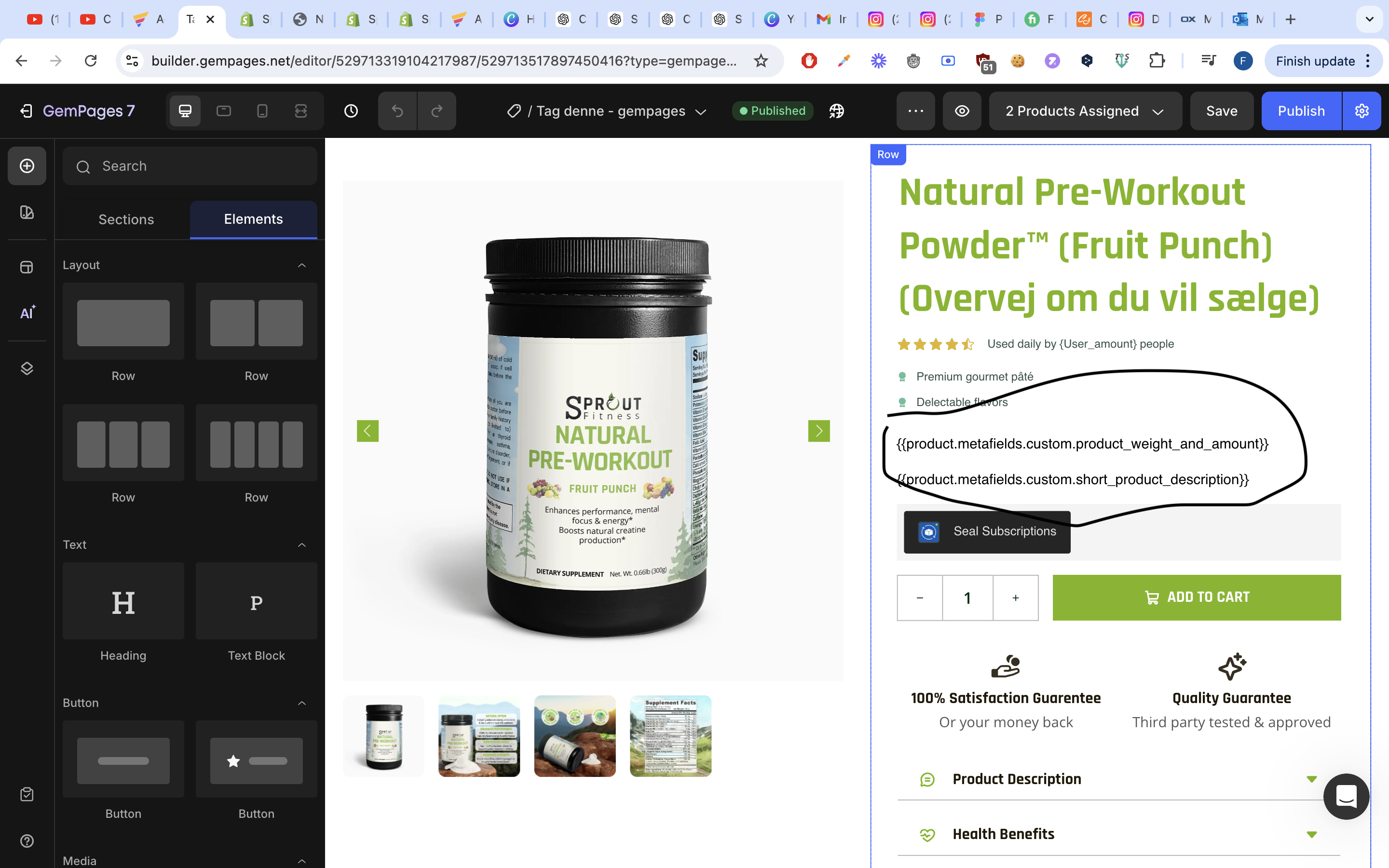
Upper one uses Rich text, the other doesn’t:
Rich text (the product amount)
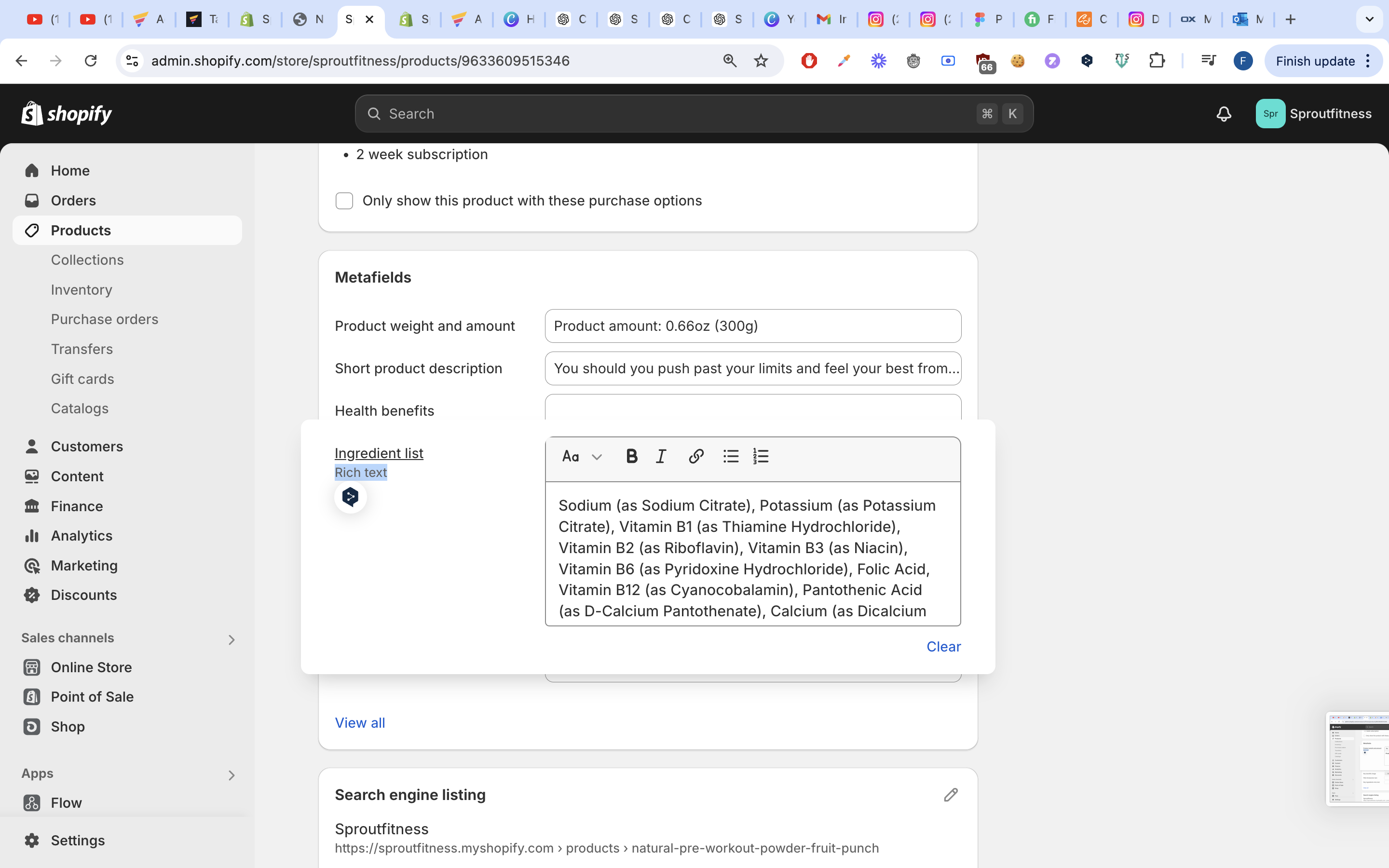
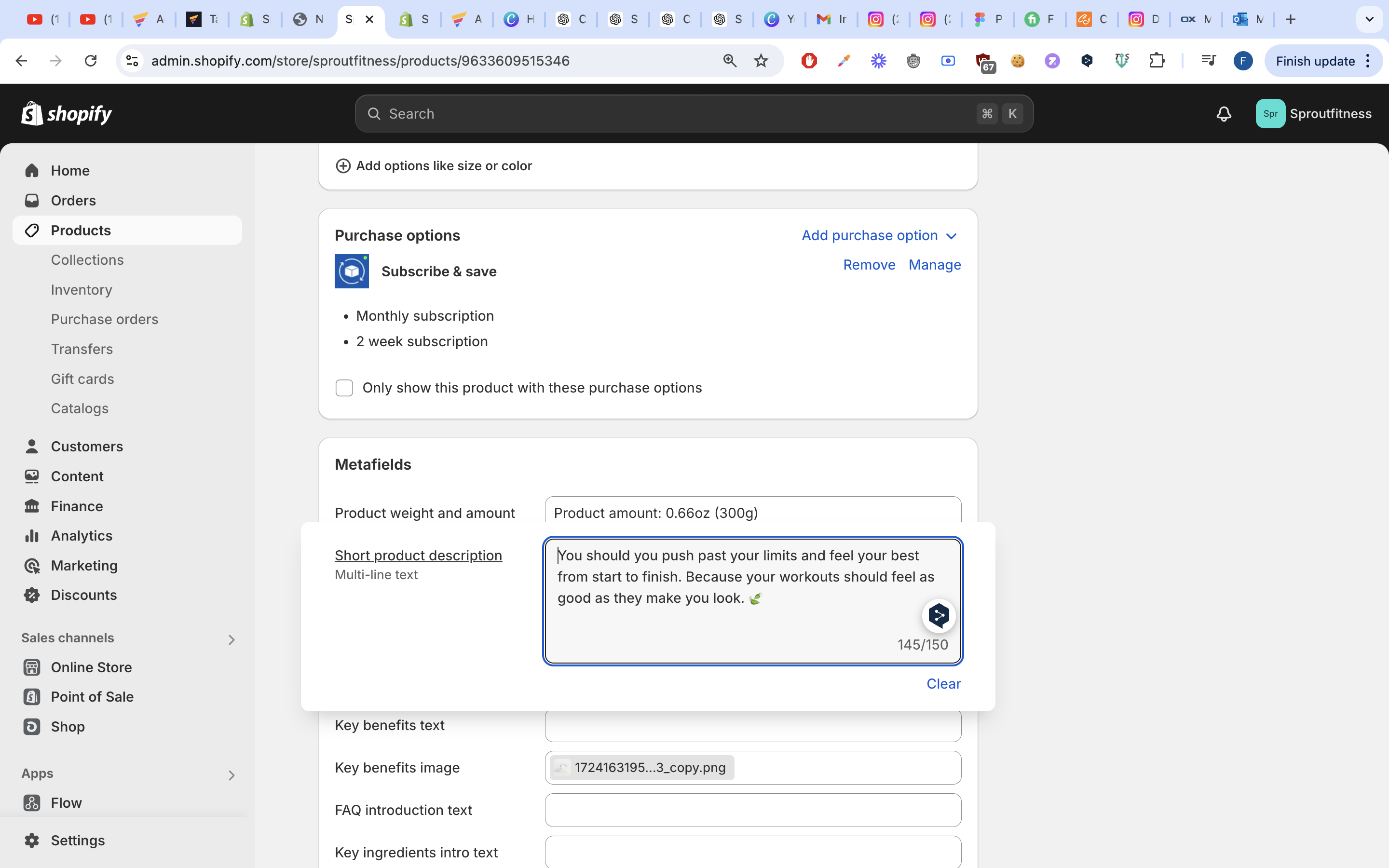
The short product description (wrote something random to test)
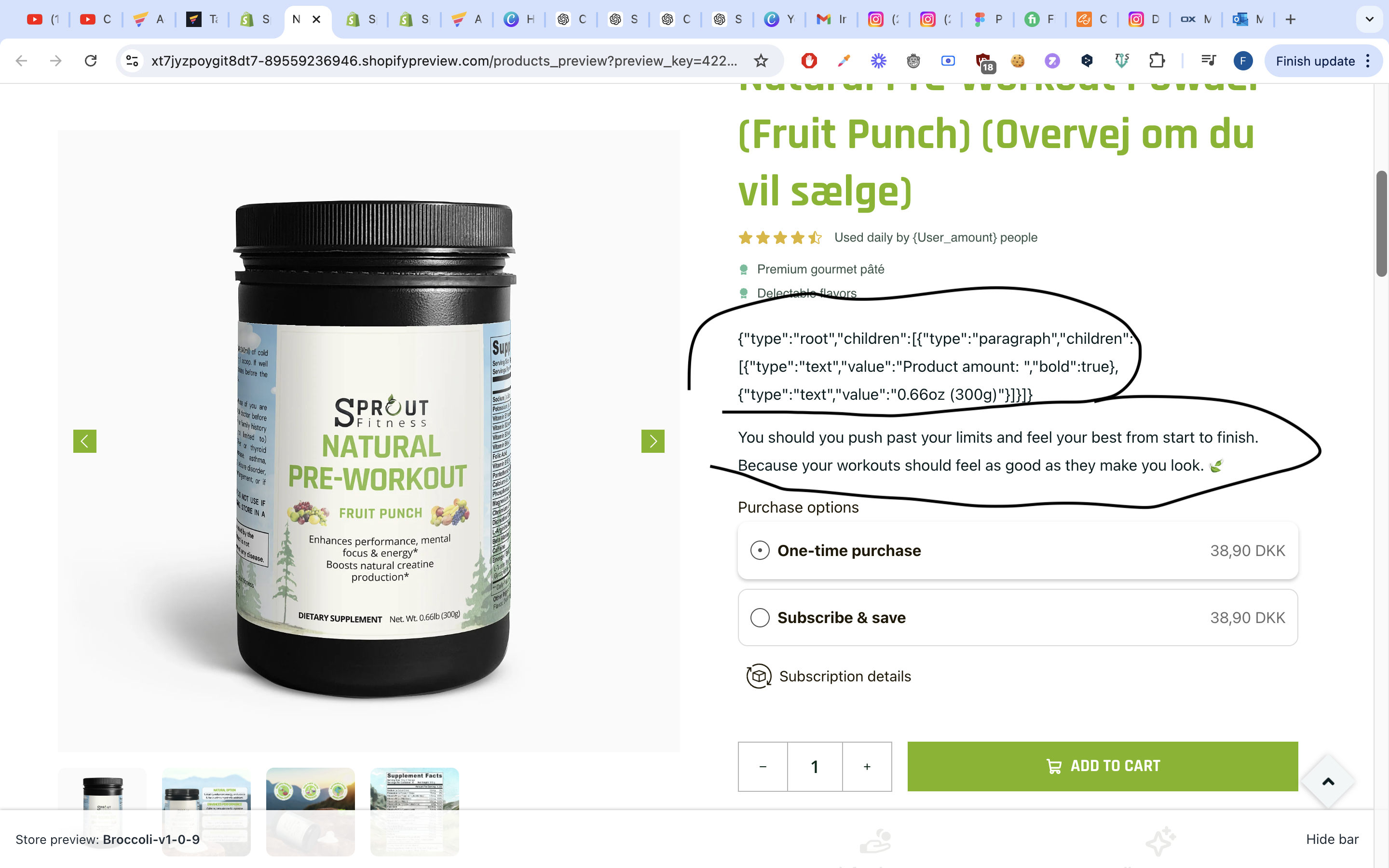
The Multiline text works, but the Rich text includes the code formatting and writes it out:
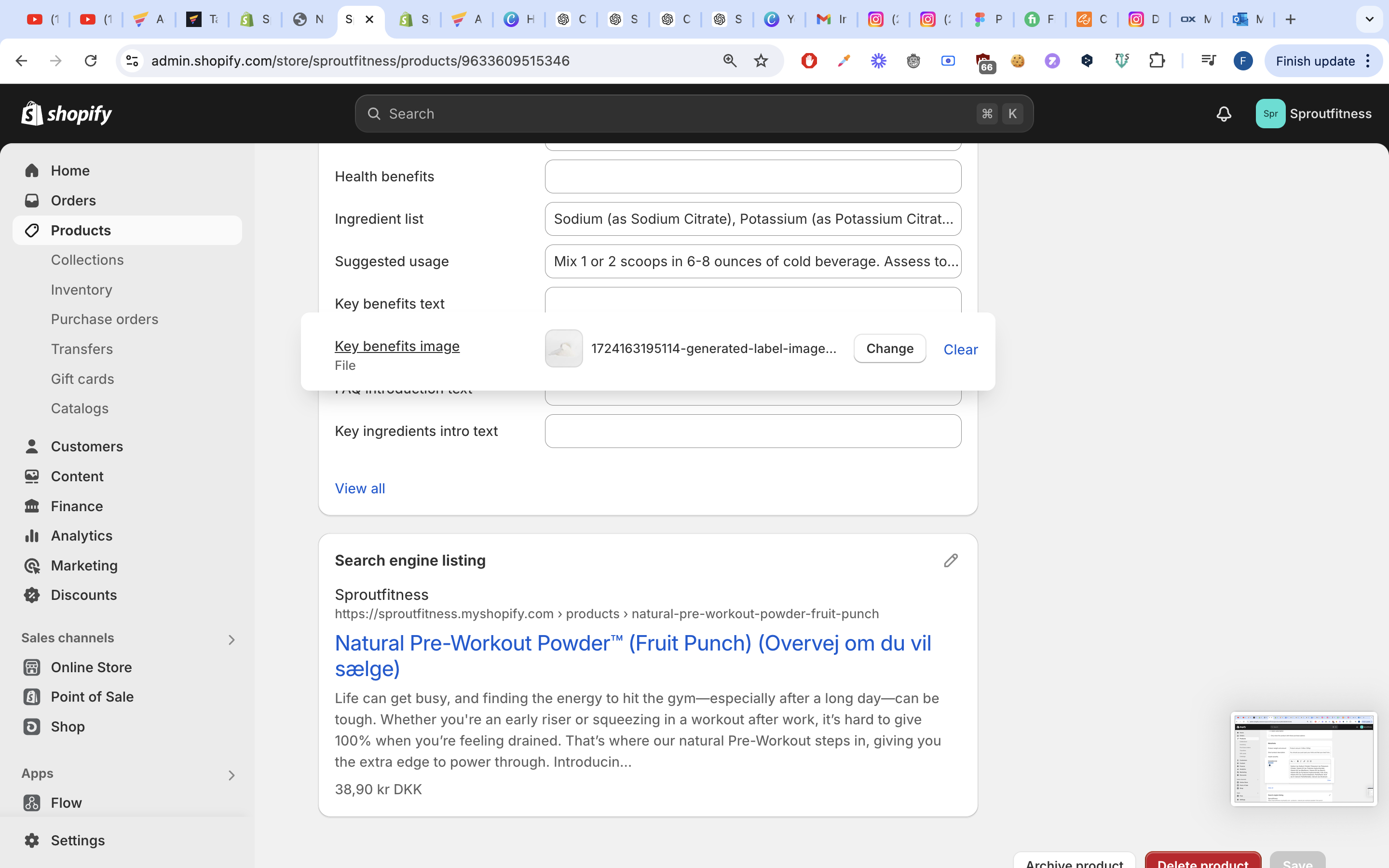
As for an image metafield, it just uses the file link, and not the image:

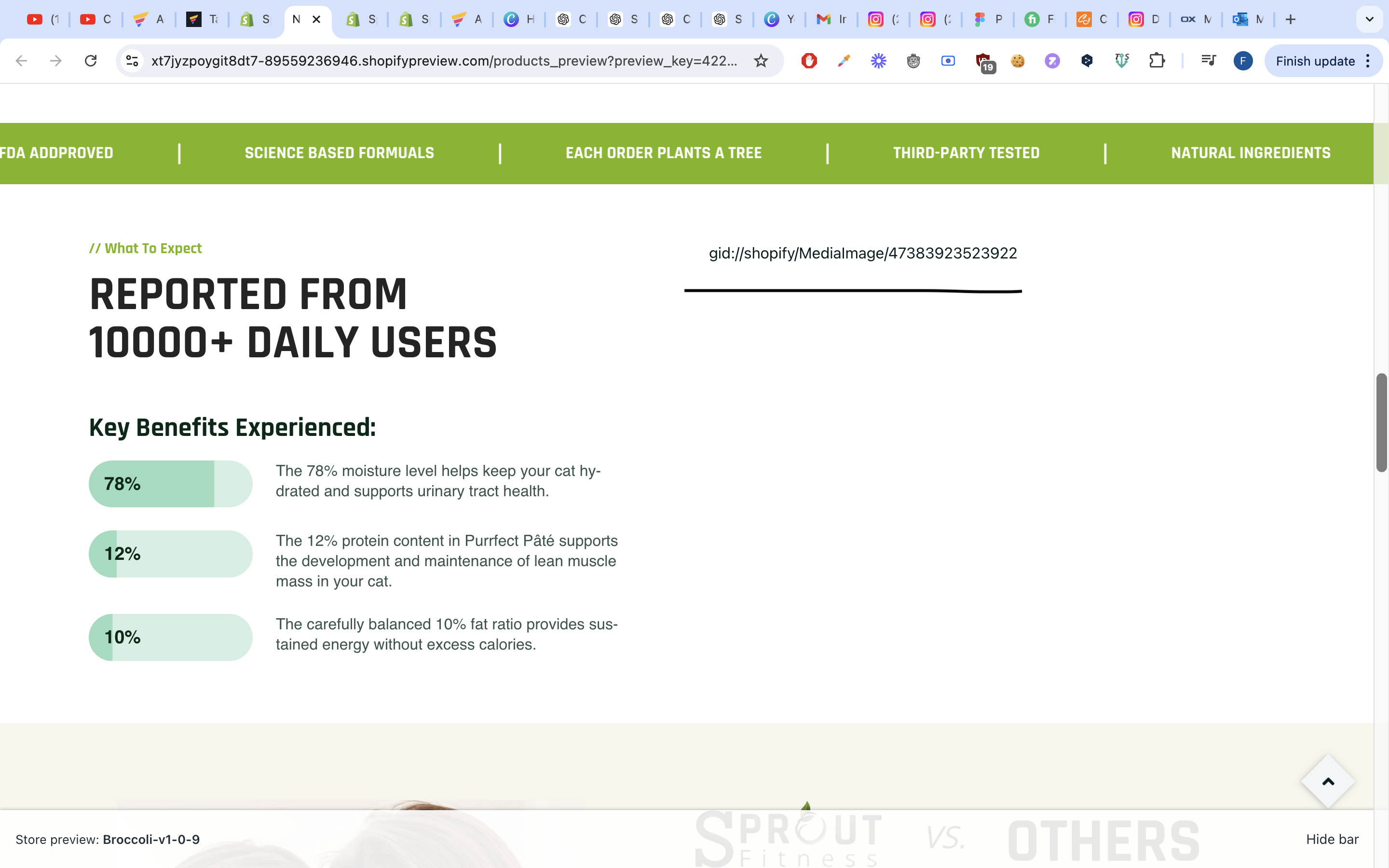
Does someone know what is going wrong?
Log in to comment and vote
Comments1
James Gems
Sep 5, 2024
Hi there,
Thank you so much for reaching out to us regarding this issue. For Shopify metafield data, you can use the Custom Code element with the Liquid format code provided below to display the data from Shopify metafields:
1.Single line text - keep the code
e.g:
{{ product.metafields.custom.custom_tag }}2.Multi line text -need to add code: "
| newline_to_br" into default codee.g:
{{product.metafields.custom.short_product_description | newline_to_br }}3.Rich text -need to add code: "
| metafield_tag" into default codee.g:
{{product.metafields.custom.product_weight_and_amount | metafield_tag }}4.File - Need to customize code to display as image
e.g:
{{ product.metafields.custom.key_benefits_image }}need updated to:
{% if product.metafields.custom.key_benefits_image %}
<img src="{{ product.metafields.custom.key_benefits_image | image_url }}" alt="" />
{% endif %}
We also have plans to integrate Shopify metafields directly into GemPages in the near future. We’ll keep you informed as soon as it’s available.
In the meantime, please don’t hesitate to reach out if you need any further assistance or have any concerns. We’re happy to help.
Best,
The GemPages Team